

Desktop image editor
Retouch, compose and create with precision.
Layers, masks, non-destructive adjustments, filters and layer effects — and the Photoshop files you already own open straight away.
- Linux
- Windows
- macOS
- 01
An advanced editor
RAW development, layers and masks, smart objects, non-destructive adjustments and automation: tools to build an image and revisit your choices.
- 02
One editor, three systems
The same codebase targets Linux, Windows and macOS, so a project moves between them untouched.
- 03
At home with Photoshop
Opens PSD documents, ABR brushes, PAT patterns and CSH custom shapes, so years of work and presets come with you.
Why Focale began
Focale grew out of a very practical need: editing my photos on Linux with an advanced, local editor that felt comfortable to use. I could not find a tool that matched the way I worked.
Among the tools I had tried, KolourPaint was too basic for my needs, Krita too focused on drawing, and Photopea built primarily for the web, with advertising. GIMP, meanwhile, felt difficult to get to grips with.
Photoshop and Affinity did not target Linux. For me, using them on my system meant a virtual machine for Photoshop or going through Wine for Affinity.
So I started building the editor I was missing. Focale began on Linux and also targets Windows and macOS, with the same aim: advanced editing tools, a familiar interface and images that stay on your machine.
A look at the editor
A modern editor with a clean, familiar interface.
Focale keeps the layout every serious image editor shares — a menu bar, document tabs, a tool rail, layer and history panels — so there is nothing to relearn before the first edit.
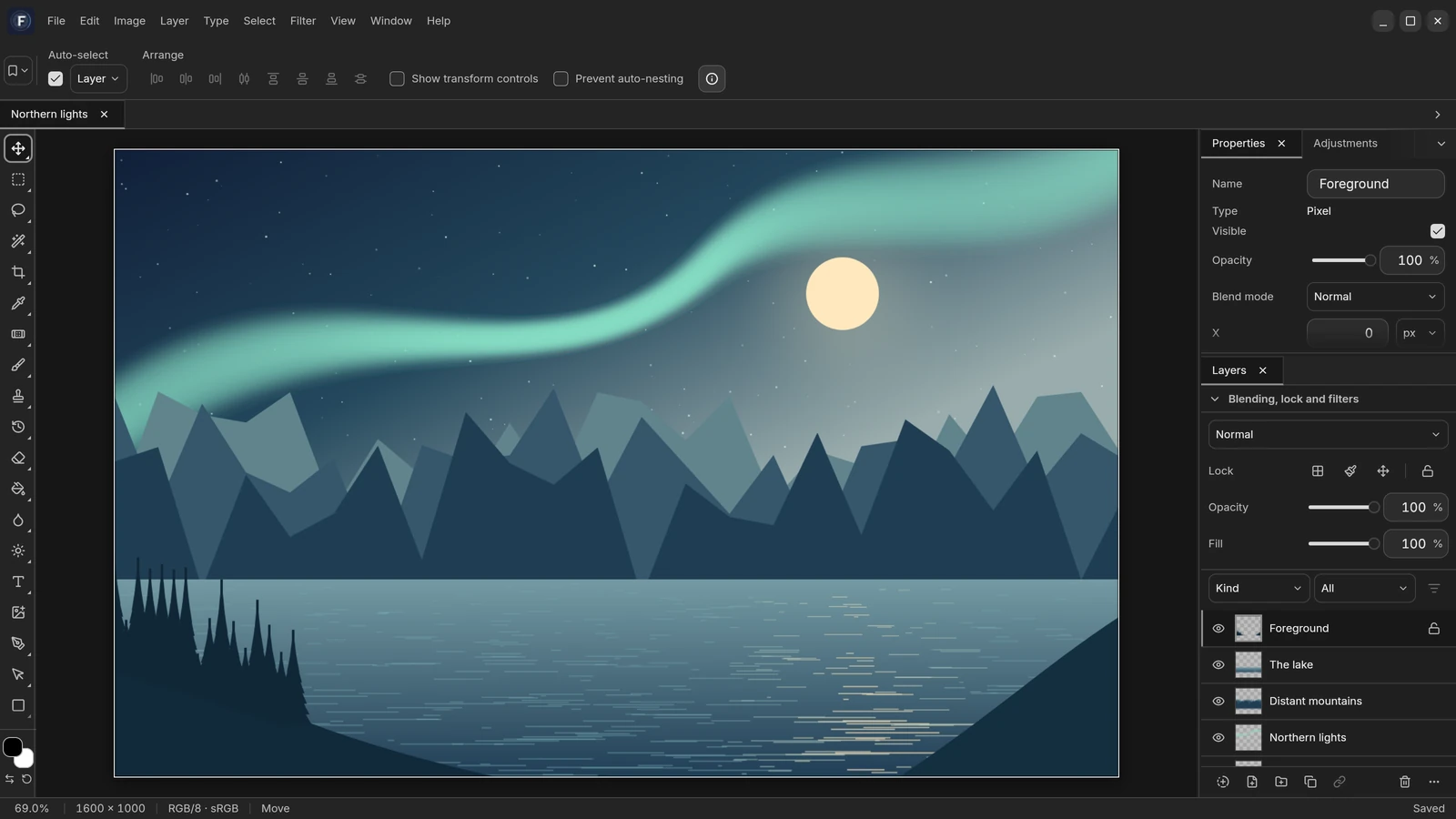
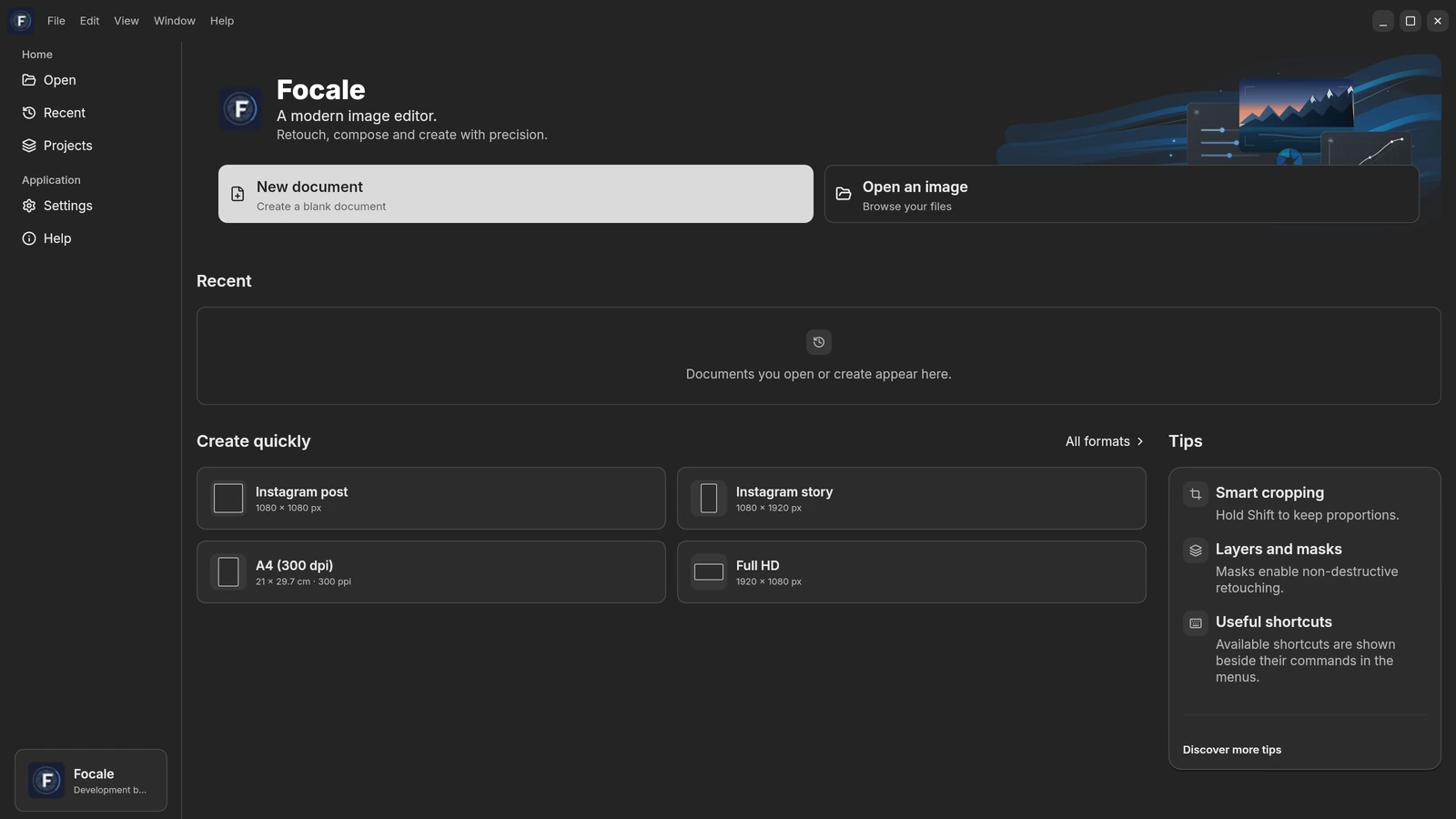
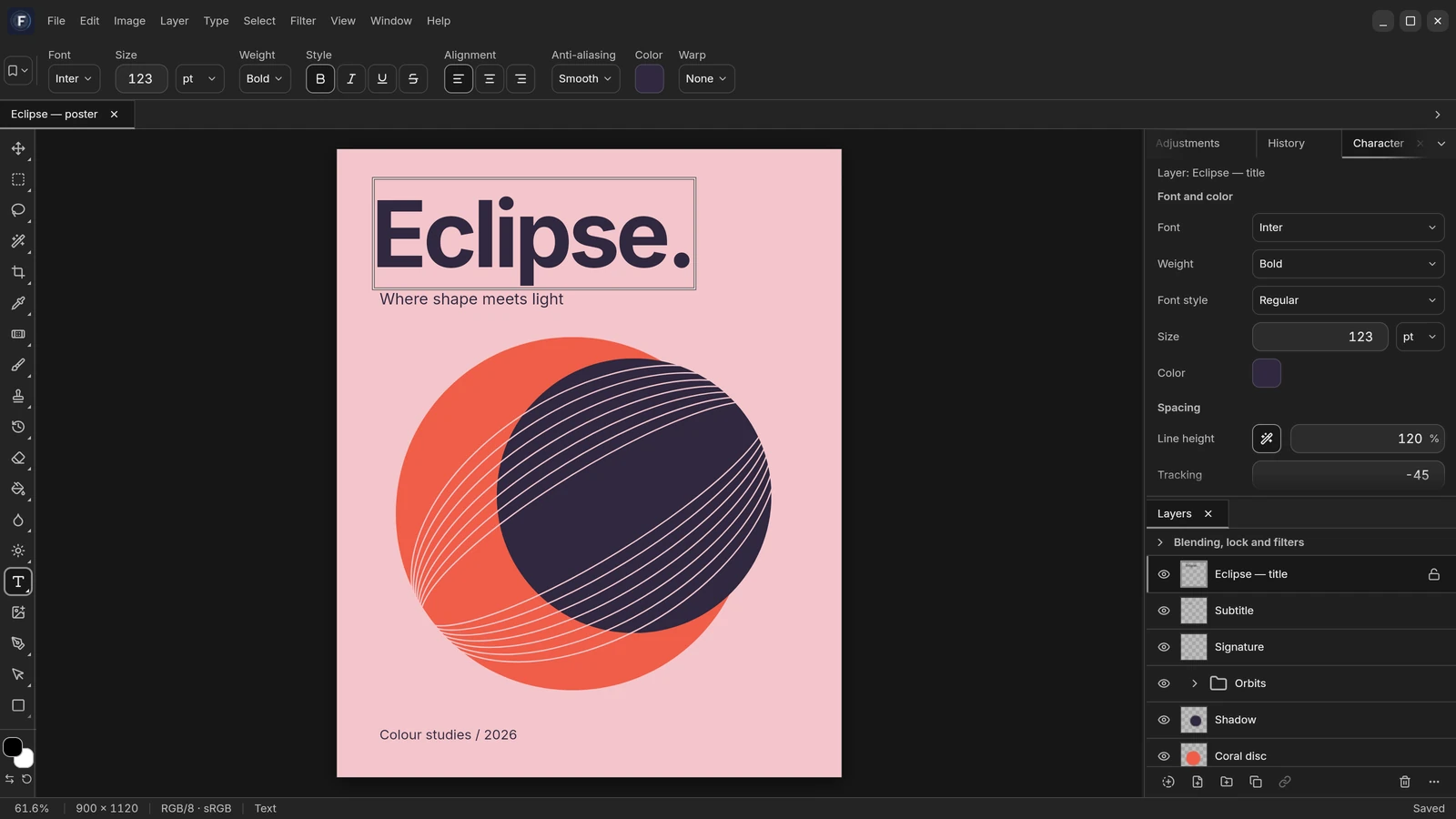
- A real menu bar and keyboard shortcuts, where you expect them.
- Layers, channels, paths, history and swatches, in dockable panels.
- A canvas that zooms on the pointer and pans with the trackpad.
Features
Everything a serious editing session needs.
These features are integrated into the development version. Focale is now entering its debugging and stabilization phase.
Local-first by design
Documents live on your disk. Focale opens, edits and saves them locally, and never sends your work anywhere.
Layers and groups
Raster, text, shape, fill and adjustment layers, nested groups and clipping masks. Arrange them by drag and drop, with blend modes, locking and live thumbnails.
Non-destructive adjustments
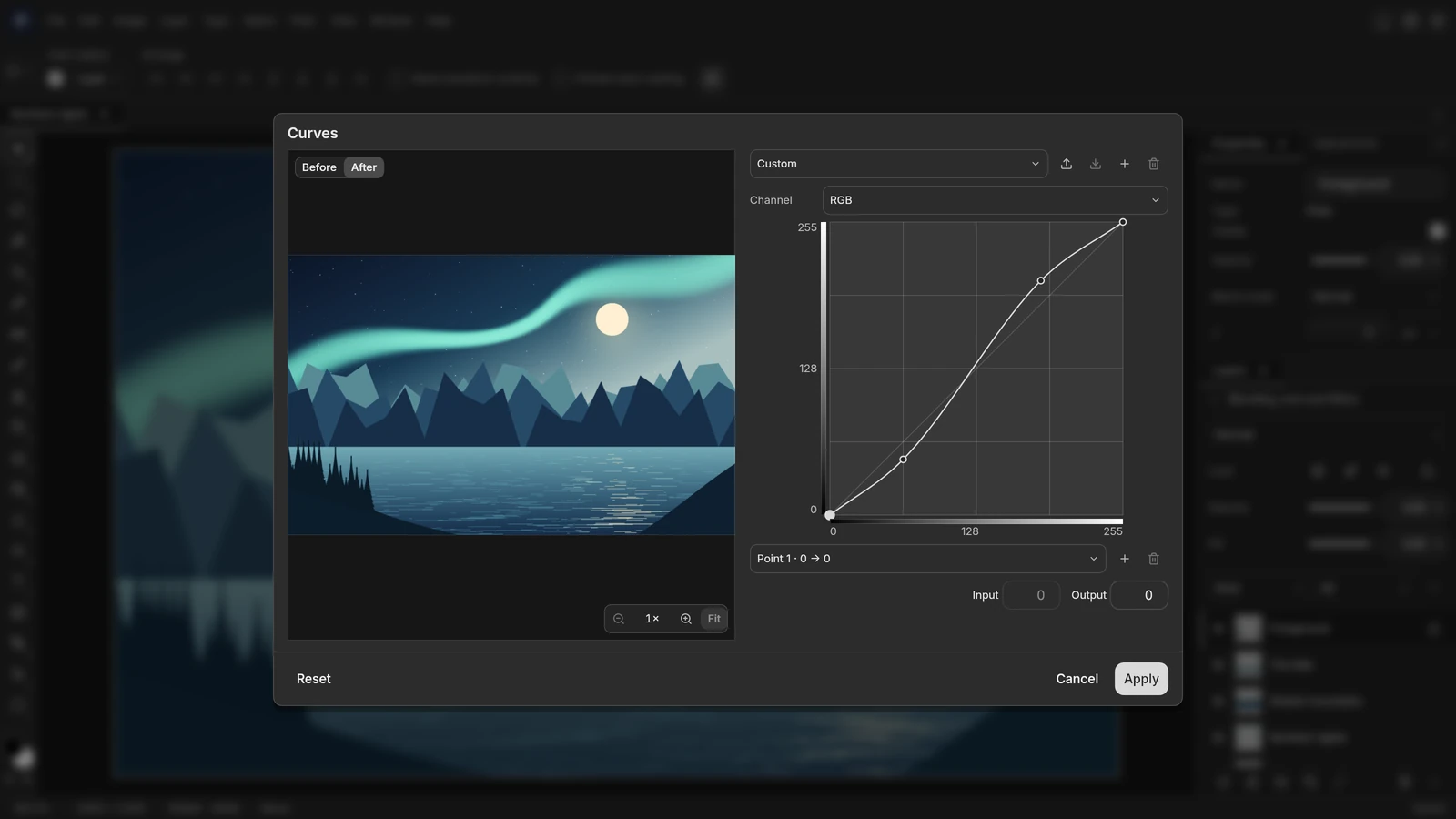
Levels, curves, exposure, colour balance and lookup tables: use supported adjustments in editable stacks or adjustment layers while preserving the original pixels.
The first public alpha is still ahead. Testing continues for stability, format compatibility and operation across all three platforms.
Windows, macOS and Linux